Education LED Display
Schools run on communication. Lessons, announcements, events, safety alerts — all of it depends on getting the right information in front of the right people at the right time. A well-specified LED display does that job better than a projector, better than a printed notice board, and better than a screen that washes out every time someone opens the blinds.
✔ Indoor and outdoor models — classrooms, auditoriums, entrances, and open campuses
✔ P1.25 to P10 pixel pitch range — fine enough for close-range classroom use, bright enough for direct sunlight
✔ Front-service installation — modules replace in minutes without tools or wall damage
Recommended LED Displays for Schools
Different spaces on campus need different screens. A classroom has different requirements than an auditorium. An outdoor entrance sign needs specs that an indoor panel can’t meet. So rather than listing everything we make, here are three products that cover the most common school installation scenarios.
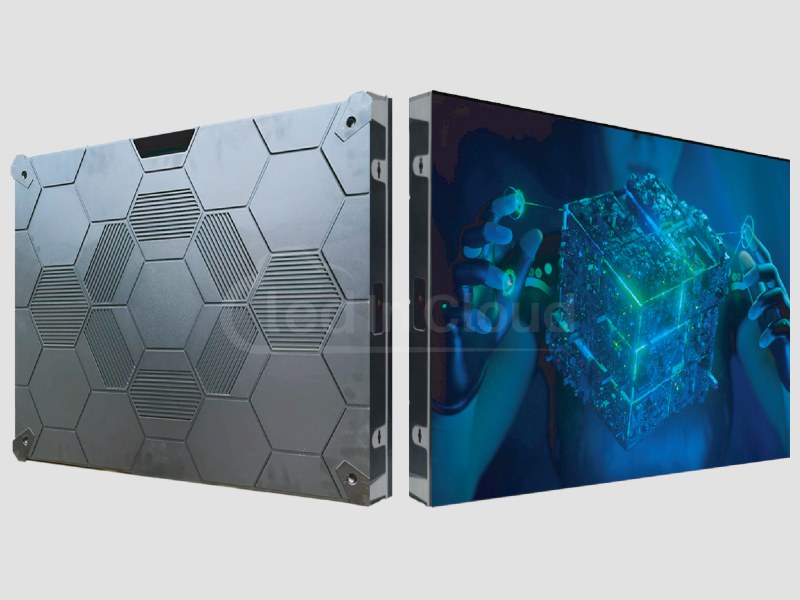
The 4:3 cabinet fits standard classroom walls without custom framing. Front-service design means maintenance never disrupts a lesson. The 3,840Hz refresh rate keeps footage clean.
- Pixel pitch: P1.25 – P4
- Cabinet size: 640×480mm (4:3 ratio)
- Refresh rate: 3,840Hz
- Front magnetic service
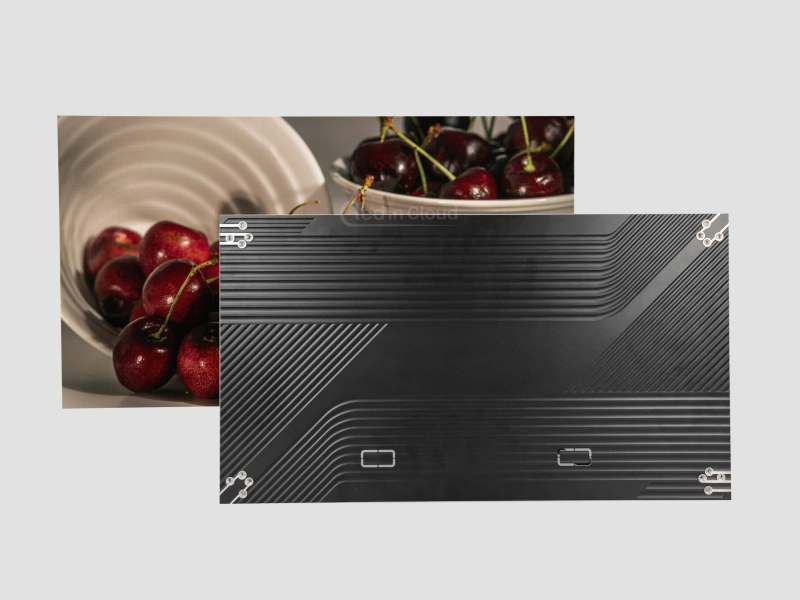
The 16:9 format tiles cleanly into wide stage screens. At 4.65kg per cabinet, it works for suspended and rigged installations. The 170° viewing angle holds up for seats off to the side.
- Pixel pitch: P0.9375 (COB) – P4
- Cabinet format: 16:9
- Viewing angle: 170°
- Weight: 4.65kg per cabinet
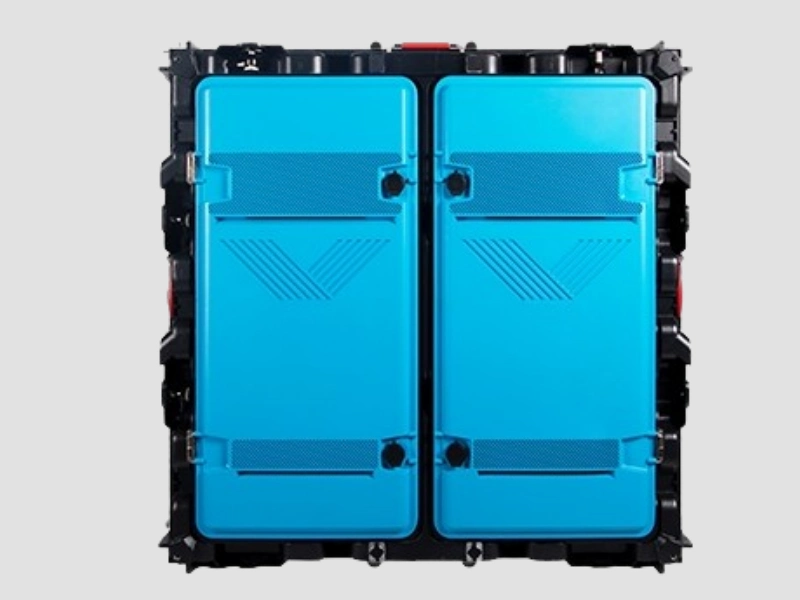
Readable in direct sunlight. IP65 front and rear means rain and dust are covered without an additional enclosure. For most entrance signage, P5–P6 is the practical choice.
- Brightness: 5,000–6,500 nits
- IP65 front and rear
- Pixel pitch: P2.5 – P10
- Runs ~16°C
LED Display Price Calculator
Just fill the sizes, and get your LED screen budget right now !
Multi-Screen Management
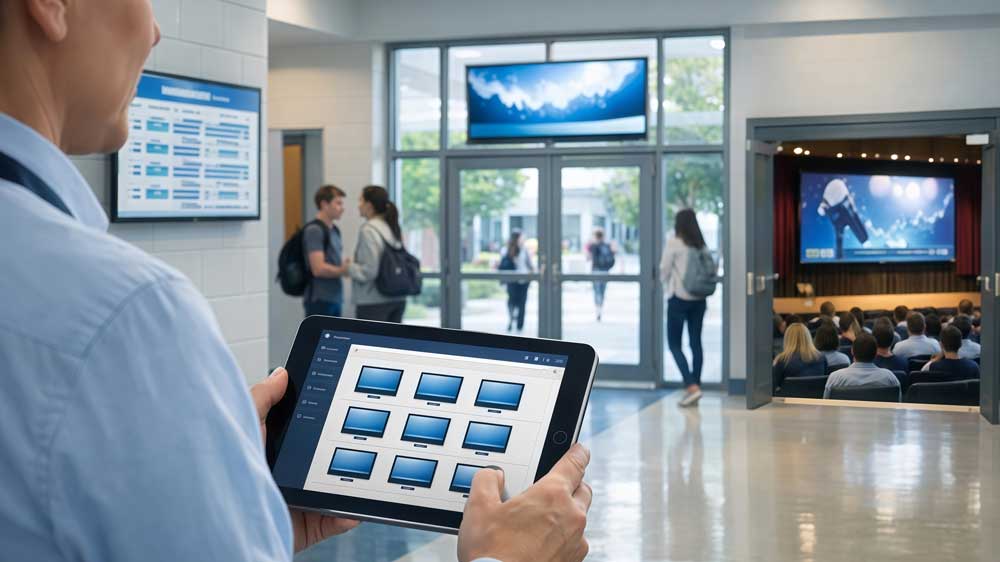
One screen is simple. But as the number of displays grows — hallways, entrances, auditorium, outdoor — managing each one individually stops being practical. That’s where a CMS comes in.
What a CMS does: Upload content once. Push it to one screen, a group, or every display on campus — from a single dashboard, from any device.
LedInCloud displays support HDMI, DVI, and standard network inputs. They work with most major third-party CMS platforms — no proprietary system required.
Campus Safety & Emergency Alerts
PA systems handle audio. But in a noisy hallway or loud classroom, audio alone doesn’t always reach everyone. Visual alerts do.
A network of LED screens connected to a CMS pushes a full-screen alert to every display on campus within seconds. Lockdown, fire evacuation, weather warning — each triggers a different response across the right screens automatically.

Institutional Branding & Student Recruitment
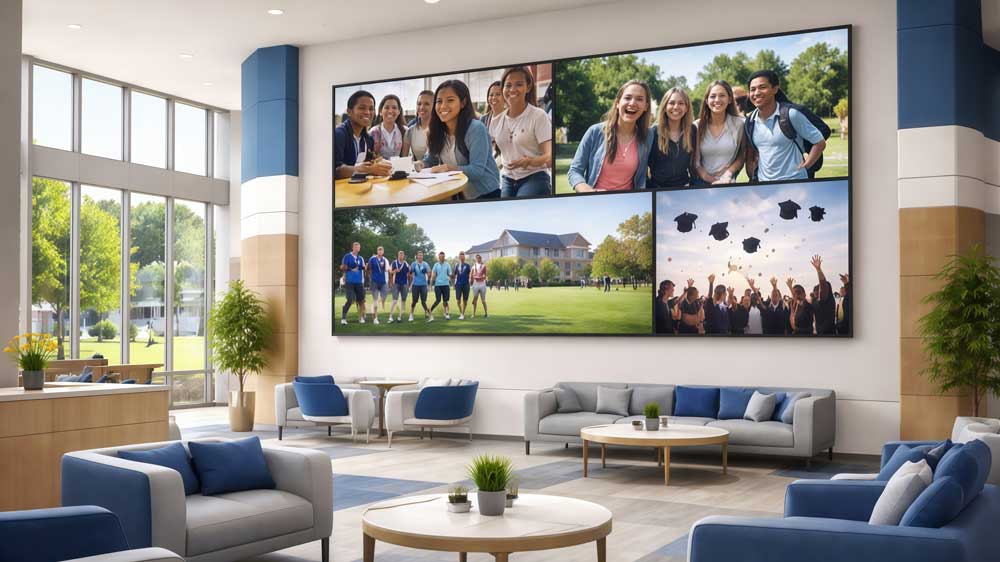
A video wall in a welcome center or admissions lobby gives prospective students a dynamic first impression — campus life, research highlights, graduate outcomes. For student athletes on recruitment visits, what they see in the sports facilities matters. A modern display signals investment. An outdated one signals the opposite.
For schools, the entrance panel is often the first thing parents see. A well-maintained LED display at the gate or reception area shapes how the school is perceived by the wider community.
Energy Efficiency
Power consumption is a real budget line. And for schools with sustainability targets, it’s also a reporting metric.
Key numbers
- Projector: 200–400W during use
- Lamp replacement: $200–$500 every 3,000–5,000 hours
- LED lifespan: ~100,000 hours, low maintenance
Projectors generate more heat, which increases HVAC load. LED runs cooler, especially useful in warm or poorly ventilated spaces.
Most LED screens adjust brightness based on ambient light. Lower brightness = lower power use. Across multiple screens, the savings become noticeable.
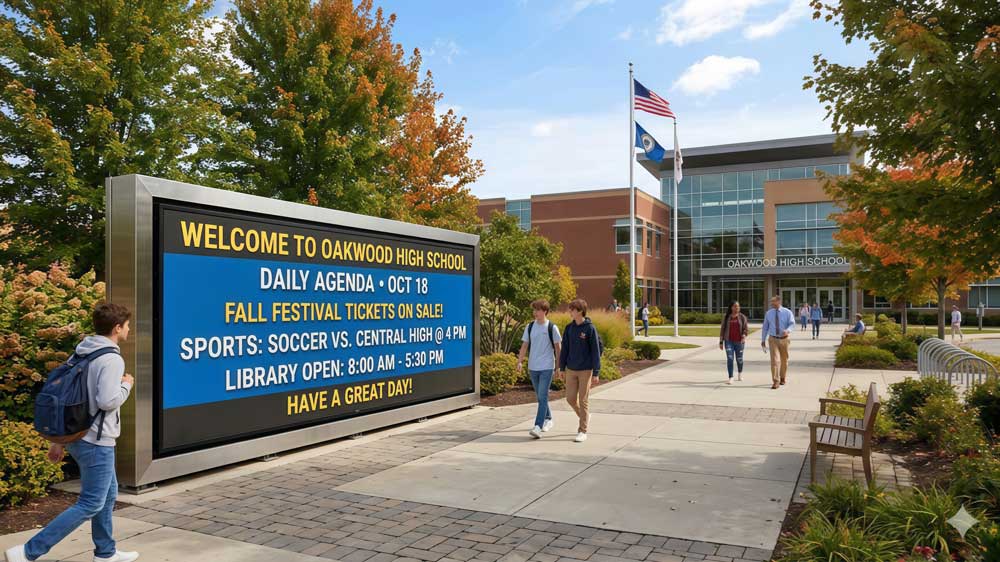
LED vs Interactive Flat Panel
If you’re evaluating display options for a school, you’ll likely come across two main technologies: LED video walls and interactive flat panels (IFPs). They’re not the same product. And choosing the wrong one for a given space is an expensive mistake. So here’s a straightforward comparison.
| LED Display | Interactive Flat Panel | |
| Screen size | Scalable — no fixed limit | Fixed sizes, typically up to 110″ |
| Touch / interactivity | Not standard — add-on required | Built-in multi-touch and stylus |
| Brightness | 800–6,500+ nits depending on model | 350–600 nits typical |
| Viewing angle | 160°–170° | 170°+ |
| Maintenance | Modular — replace individual panels | Whole-unit replacement if screen fails |
| Lifespan | ~100,000 hours | ~50,000–70,000 hours typical |
| Best for | Auditoriums, large halls, outdoor, multi-use | Single classrooms, small group teaching |
| Upfront cost | Higher for large formats | Lower for standard classroom sizes |
✔ Choose LED when: the screen needs to exceed 110 inches, brightness in natural light is a concern, or the installation spans a large or outdoor space.
✔ Choose an IFP when: daily touch interaction is the primary function — annotating, writing, collaborative activities in a standard classroom.
Many schools use both. IFPs in regular classrooms. LED walls in auditoriums, main halls, reception, and outdoor signage. The two cover different spaces without overlap.
Quick Spec Finder
Not sure where to start? Most LED display decisions come down to three variables: where the screen goes, how far away viewers sit, and whether it’s indoors or outdoors. This table covers the most common school spaces and gives you a starting point for each.
| Space | Typical Viewing Distance | Pixel Pitch | Brightness | IP Rating |
| Classroom | 2–4m | P1.5 – P2.5 | 800–1,200 nits | IP30 |
| Lecture hall | 4–8m | P2.5 – P4 | 1,200–1,500 nits | IP30 |
| School auditorium | 5–12m | P3 – P4 | 1,500–2,000 nits | IP30 |
| Hallway / Corridor | 1.5–3m | P2 – P3 | 800–1,000 nits | IP30 |
| Entrance / Reception | 2–4m | P2 – P3 | 1,000–1,500 nits | IP30 |
| Outdoor campus | 5–15m | P4 – P6 | 5,000+ nits | IP65 |
| Sports hall / Gym | 6–12m | P4 – P5 | 2,000–3,000 nits | IP54 |
Why Schools Choose LedInCloud?
16+ Years in LED Manufacturing
We’ve been producing LED displays since 2010. Over that time, we’ve shipped projects to more than 110 countries. That track record shows up in how we design products — and in how we handle problems when something goes wrong in the field.
Factory-Direct Supply
There’s no distributor between you and the manufacturer. Every screen ships directly from our production facility in Shenzhen. That keeps pricing lower than buying through a reseller. It also means technical questions go straight to the team that built the product.
Project Support Included
We don’t hand over hardware and disappear. For school projects, we provide structural drawings, pixel pitch recommendations, controller configuration, and installation guidance. Getting the mount, cabling, and cabinet alignment right the first time avoids costly on-site corrections.
Quality Checks Before Every Shipment
Every display goes through aging tests, color calibration, and waterproof checks before it leaves the factory. We don’t ship units that haven’t passed. For institutional buyers working with long lead times and limited on-site technical staff, that upfront quality control matters.
Send Us Message
If you have any LED display projects or technical problems regarding our LED display products. Please send us a message, we will reply to you in 24 hours.
ATTENTION: lf you bought LED Display & LED Module from other suppliers, Please get help from them directly.
Education LED Display: Buying Guide for Schools & Universities
Schools today have more display options than ever. But choosing the right education LED display — one that actually fits your space, budget, and daily use — takes more than a quick Google search.
So this guide breaks it all down. You’ll find out where LED screens work best on campus, how they compare to projectors, and what specs actually matter before you buy.
Table of Contents
1. What Is an Education LED Display?
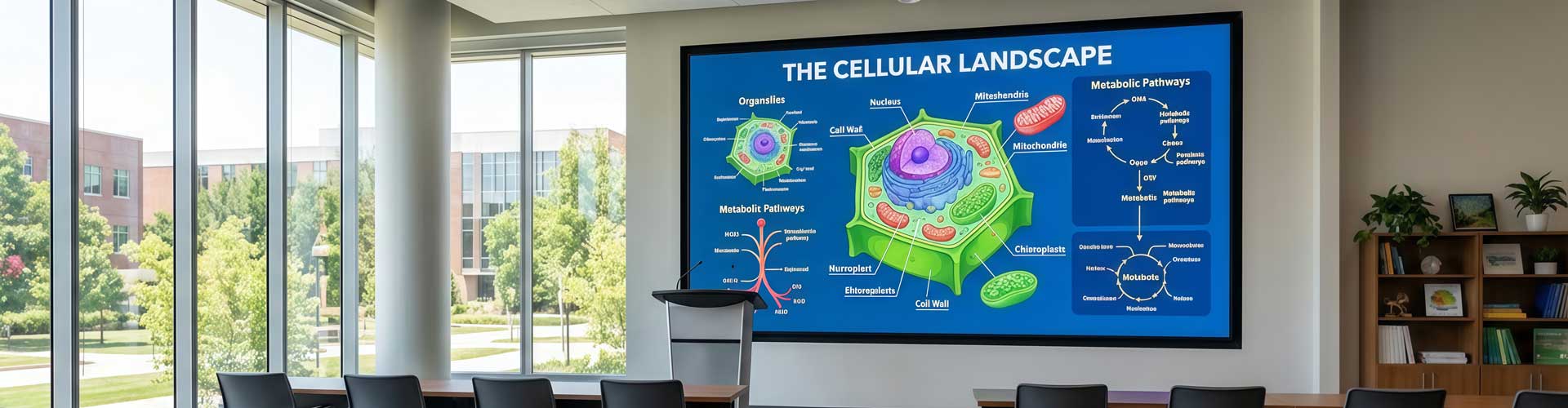
An education LED display is a self-emissive screen built for school environments — classrooms, auditoriums, hallways, and outdoor campuses. Unlike a projector, it doesn’t need a separate surface or a dark room to deliver a clear image.
But it’s not just a bigger TV either. What separates an education-grade LED screen from standard commercial displays comes down to three things: finer pixel pitch for close viewing distances, higher refresh rates for lecture recording, and brightness levels that hold up in rooms with natural light.
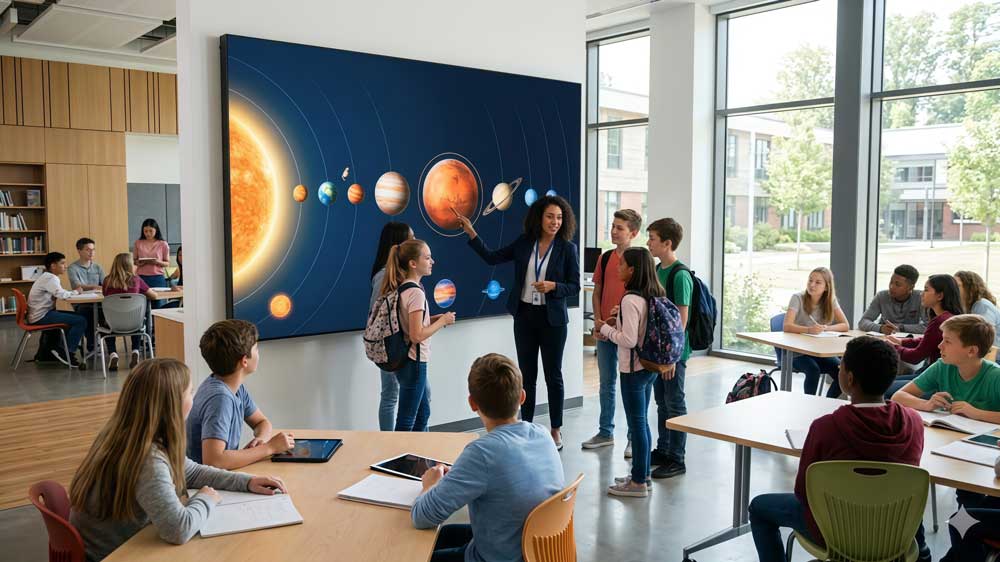
2. What Can an LED Display Do for Your School?
Most people think of an LED display as a presentation tool. And it is. But in a school environment, it ends up doing a lot more than that.
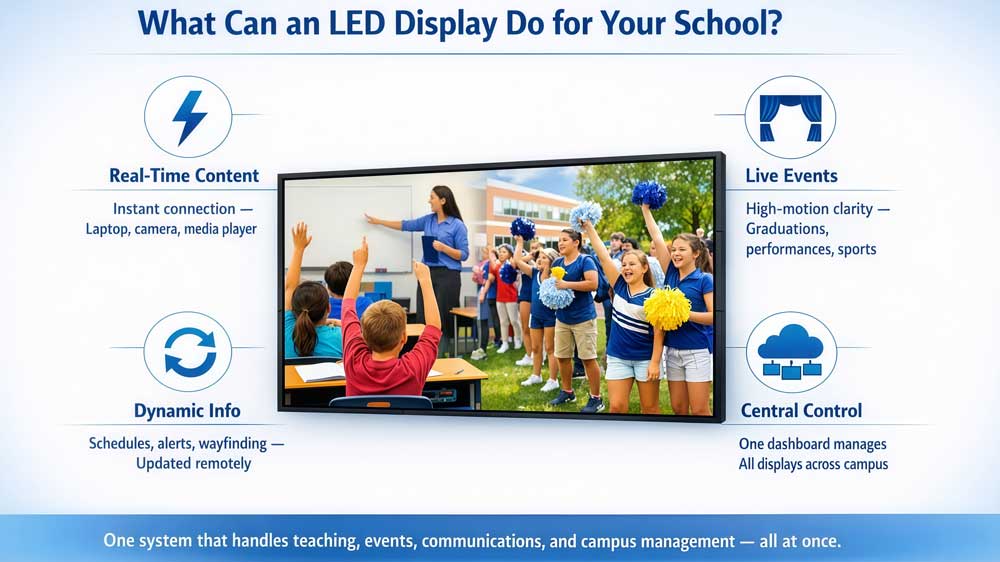
Connect a laptop, a media player, or a camera — the image shows up instantly. No warm-up time, no alignment, no compatibility issues with the room setup. And because LED screens don’t rely on ambient darkness, content stays clear whether the lights are on or off.
For schools running more than one display — or districts managing several campuses — a cloud platform lets one person control every screen centrally. Update content, schedule playlists, monitor screen status. All from a single dashboard.
Graduations, performances, assemblies, sports days — LED displays handle high-motion content without blur or color distortion. Refresh rates of 3,840Hz and above also mean clean footage when staff film or live-stream the event.
This goes beyond teaching. LED screens can show schedules, announcements, emergency alerts, or wayfinding information — all updated remotely without anyone physically touching the screen. Content changes in seconds.
So the real value isn’t just image quality. It’s that one system can handle teaching, events, communications, and campus management at the same time.
3. LED Display vs Projector: Which One Works Better for Education?
Projectors have been the default in schools for decades. But more schools are switching to LED — and the reasons go beyond image quality. Here’s how the two actually compare across the factors that matter most to school buyers.
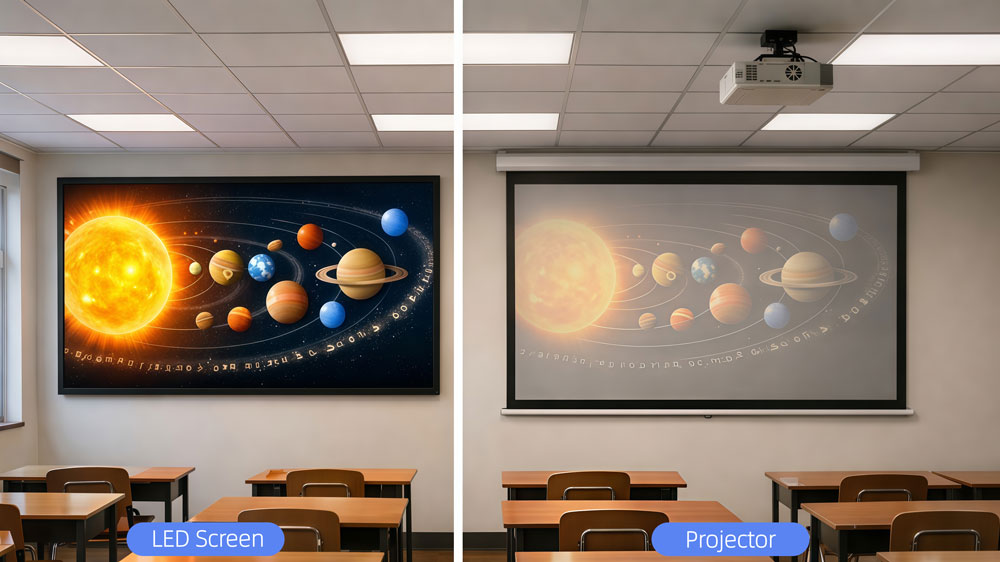
| Factor | LED Display | Projector |
| Image in bright rooms | Clear at 800–1,500 nits, unaffected by ambient light | Washes out in daylight or under fluorescent lights |
| Lamp/maintenance cost | ~100,000-hour lifespan, minimal servicing | Lamp lasts 3,000–5,000 hours, needs regular replacement |
| Installation flexibility | Wall-mounted, custom sizes, no throw distance needed | Needs ceiling mount, clear line of sight, minimum throw distance |
| Video recording | 3,840Hz refresh rate keeps footage clean | No direct impact, but older units can cause flicker |
| Upfront cost | Higher | Lower |
| 5-year total cost | Lower (no lamp replacements, less downtime) | Higher once lamp cycles are factored in |
| Best for | Classrooms, auditoriums, daily heavy use | Small rooms, occasional use, tight budgets |
The upfront price difference is real. But for any space used daily, the long-term math usually favors LED. Projector lamps alone can cost $200–$500 per replacement — and in a busy school, that adds up fast.
That said, a short-throw projector in a small primary school classroom still makes sense if the budget is tight and the screen time is limited.
4. Where Schools Use LED Displays?
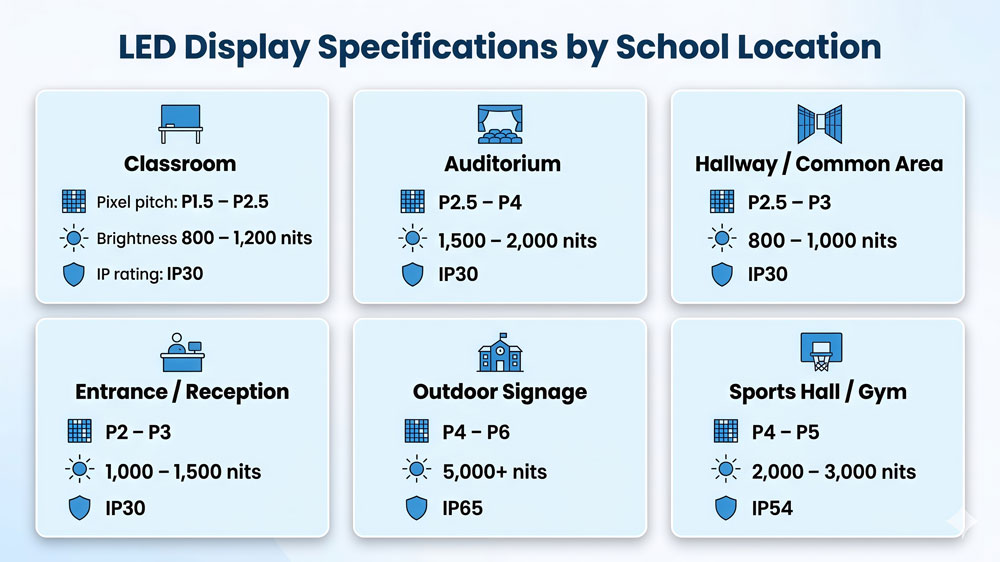
LED displays work across almost every part of a school campus. But different spaces have very different requirements. Different spaces have very different requirements. Here’s a breakdown by location — with the specs that actually matter for each one.
4.1 Classrooms and lecture halls
This is the most common installation. Students sit anywhere from 1.5 to 5 meters from the screen, so pixel pitch matters a lot here. A P2 or P2.5 LED screen for classroom use gives clean, sharp images at that range. Brightness around 800 to 1,200 nits works well for standard indoor lighting.

4.2 School auditoriums
Auditoriums need bigger screens and wider viewing angles. The back row might be 8 to 15 meters away, so P3 to P4 is usually sufficient. Brightness can go slightly higher — 1,500 to 2,000 nits — to compensate for stage lighting.

4.3 Hallways and common areas
These are information displays, not teaching screens. Content is mostly text, schedules, and announcements. P2.5 to P3 works fine, and brightness around 800 to 1,000 nits is enough for indoor corridors.

4.4 School entrances and reception areas
First impressions matter. A well-placed LED panel at the entrance can display the school name, daily agenda, or welcome messages for visitors. P2 to P3, similar brightness to hallway displays.

4.5 Outdoor campus signage
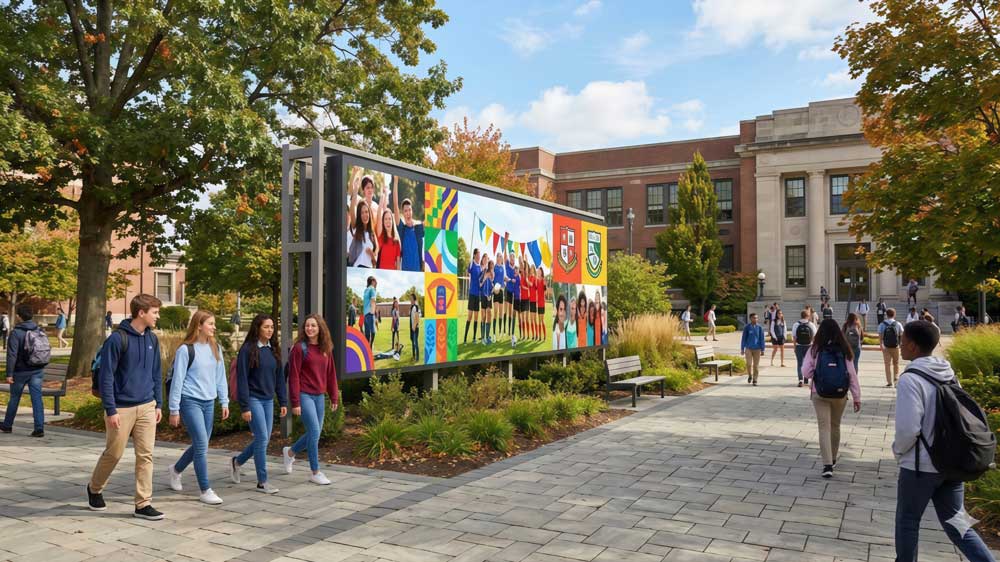
Outdoor installations need two things above everything else: high brightness and weather protection. Direct sunlight requires 5,000 nits or more to stay visible. IP65 rating covers rain and dust. Pixel pitch of P4 to P6 is standard since viewing distances are longer outdoors.
4.6 Sports halls and gymnasiums
Semi-outdoor or high-ceiling indoor spaces. P4 to P5 works at the typical viewing distances. Dust resistance is worth specifying here too, especially in gyms with heavy daily use.

- Here's a quick reference:
| Location | Recommended Pixel Pitch | Brightness | IP Rating |
| Classroom | P1.5 – P2.5 | 800–1,200 nits | IP30 |
| Auditorium | P2.5 – P4 | 1,500–2,000 nits | IP30 |
| Hallway / Common area | P2.5 – P3 | 800–1,000 nits | IP30 |
| Entrance / Reception | P2 – P3 | 1,000–1,500 nits | IP30 |
| Outdoor signage | P4 – P6 | 5,000+ nits | IP65 |
| Sports hall / Gym | P4 – P5 | 2,000–3,000 nits | IP54 |
5. How to Choose an Education LED Display?
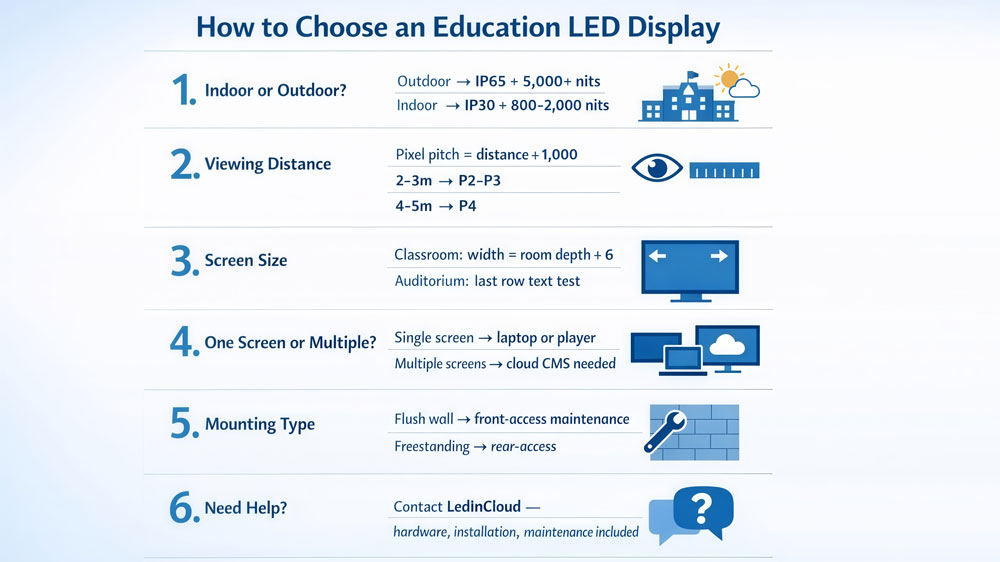
The easiest way to narrow down your options is to start with two questions: where is the screen going, and how far away will people sit?
5.1 Is the screen going indoors or outdoors?
This is the first decision, and it splits everything else.
- Outdoors → You need IP65 weatherproofing and 5,000+ nits brightness. Direct sunlight washes out anything dimmer.
- Indoors → IP30 is fine. Brightness between 800 and 2,000 nits covers most school spaces.
5.2 How far away is the closest viewer?
This determines pixel pitch. Divide the viewing distance (in meters) by 1,000.
- Classroom, students 2–3m away → P2 to P3
- Auditorium, front row 4–5m away → P4 is sufficient
- Hallway, people passing at 1.5m → P1.5
Going finer than necessary won’t hurt image quality. But it will push the price up significantly.
5.3 How big should the screen be?
- For classrooms: screen width should be roughly one-sixth of the room depth. A 6-meter-deep classroom → 2 to 2.5 meters wide works well.
- For auditoriums: the test is simple — can someone in the last row read normal-size text clearly? If not, go bigger.
5.4 One screen or multiple?
- One screen → Any media player or laptop input works fine.
- Multiple screens across buildings or campuses → You need a content management system. A cloud-based platform lets one person update every screen remotely. Without it, half the screens end up showing outdated content within a month.
5.5 How is the screen mounted?
- Flush against a wall → Front-access maintenance is a must. Technicians can replace a faulty module without touching the wall structure.
- Freestanding or with rear cavity → Rear-access panels work and cost less.
5.6 Not sure where to start?
Tell us the location, room size, and viewing distance. The team at LedInCloud will recommend a configuration and put together a full project quote — hardware, installation, and long-term maintenance included.
6. Recommended Products for Education
Here are three products that cover the most common school installation scenarios.
✔ Classrooms: MA640 Series
Most classroom installs come down to one question: how close are the students sitting? The MA640 answers that directly — pixel pitch runs from P1.25 to P4, so you’re not overspending on resolution the room doesn’t need.
A few things that matter specifically for schools:
- Front-service design — modules come off magnetically in about 5 seconds, no ladders or wall damage
- 3,840Hz refresh rate — clean footage when staff record or live-stream lessons
- 640×480mm cabinet (4:3) — fits standard classroom wall layouts without custom framing
✔ Auditoriums: MA600 Series
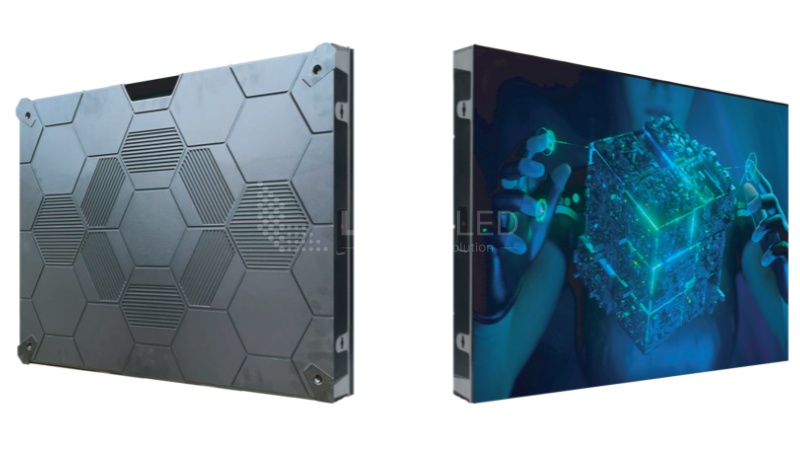
Graduations, performances, open days — the auditorium is where image quality actually gets noticed. The MA600 is built around a 16:9 cabinet that tiles cleanly into wide-format stage screens.
What makes it work for auditoriums:
- COB option from P0.9375 — sharp enough for front-row viewers 2–3 meters from the stage
- 170° viewing angle — image holds up even for seats off to the side
- 4.65kg per cabinet — light enough for suspended or rigged installations
- 3,840Hz refresh rate — handles live recording without flicker
✔ Outdoor Campus Signage: MA960 PRO Series
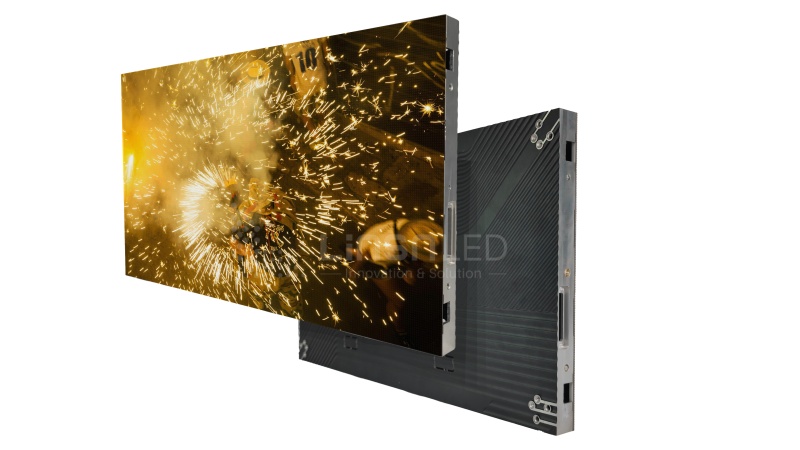
Outdoor screens have one hard requirement: readable in direct sunlight. The MA960 PRO handles that with 5,000–6,500 nits brightness on its outdoor spec.
Other reasons schools use it:
- IP65 waterproof — no additional enclosure needed for rain or dust
- Runs ~16°C cooler than standard LED cabinets, better for units on all day
- P2.5 to P10 range — P5 or P6 is the practical choice for most entrance signage
- Supports fixed and rental setups — useful for schools that need outdoor screens for occasional events too
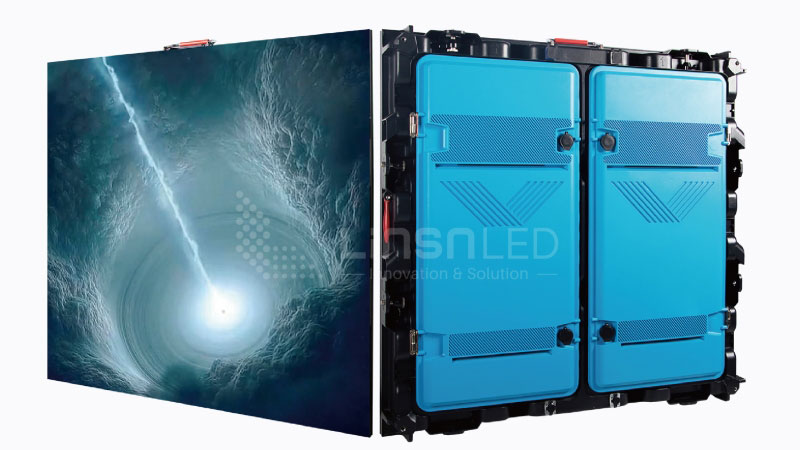
Not sure which spec fits your project? Visit our LED Screen Cloud Platform to check pricing and download configuration files directly.
7. FAQ
What is the difference between an LED display and a projector for schools?
The biggest practical difference is light. Projectors need a dim room to look good — LED screens don't. In a classroom with windows or overhead lighting, an LED screen stays sharp all day. Maintenance is another gap: projector lamps need replacing every one to two years, while LED panels run for around 100,000 hours without major servicing. The upfront cost of LED is higher, but the long-term maintenance cost is usually lower.
What pixel pitch should I choose for a classroom LED screen?
Divide the viewing distance in meters by 1,000 — that gives you the maximum pixel pitch for that space. A classroom where the front row sits 2.5 meters away needs at least P2.5. For most standard classrooms, P2 to P2.5 is the practical range. Going finer costs more without a visible improvement at normal viewing distances.
Can LED displays support hybrid and remote learning?
Yes. Most education LED displays connect directly to a laptop, camera, or media player. For hybrid classes where some students join remotely, the screen works as a presentation surface while a camera captures the content. The key spec here is refresh rate — 3,840Hz or above keeps footage clean when recording or live-streaming without dark bands or flicker.
How do schools manage content across multiple LED screens?
A cloud-based content management platform lets one person update every display remotely — schedules, announcements, event content — without visiting each location. For school districts running multiple campuses, this is the only practical approach. Without a central system, screens quickly end up showing outdated content.
How much does a school LED display cost?
Several factors affect the final price: screen size, pixel pitch, indoor vs outdoor spec, and installation complexity. Contact us to get a quote.
8. Conclusion
Education LED display has become a practical choice for schools — not just for teaching, but for events, campus signage, and day-to-day communications. The technology is mature, the hardware is reliable, and the long-term costs make sense for most education budgets.
The key is matching the right product to the right space. If you’re not sure where to start, tell us your space and viewing distance. We’ll recommend a configuration that fits.
More Solutions

Museum LED Screen
Turn any museum or gallery into an immersive visual experience. Our LED screens allow art and exhibits to come alive for every visitor.
Conference LED Screen
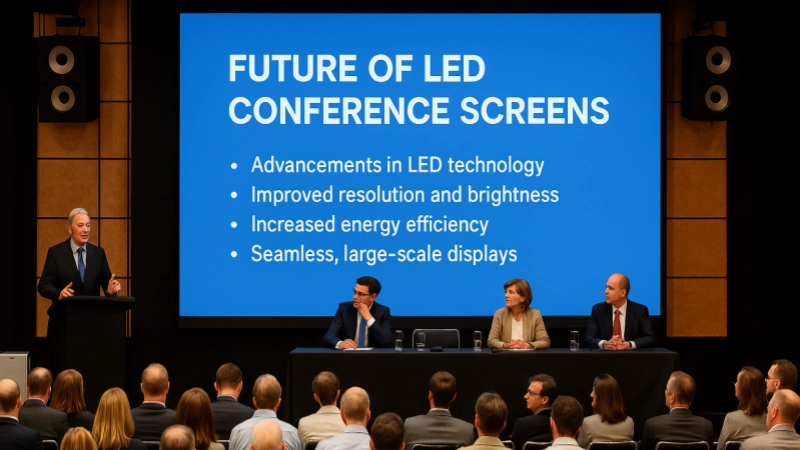
Crystal-clear displays for boardrooms and event halls. Show presentations, live data, and key information to keep everyone on the same page.
Restaurant LED Screen
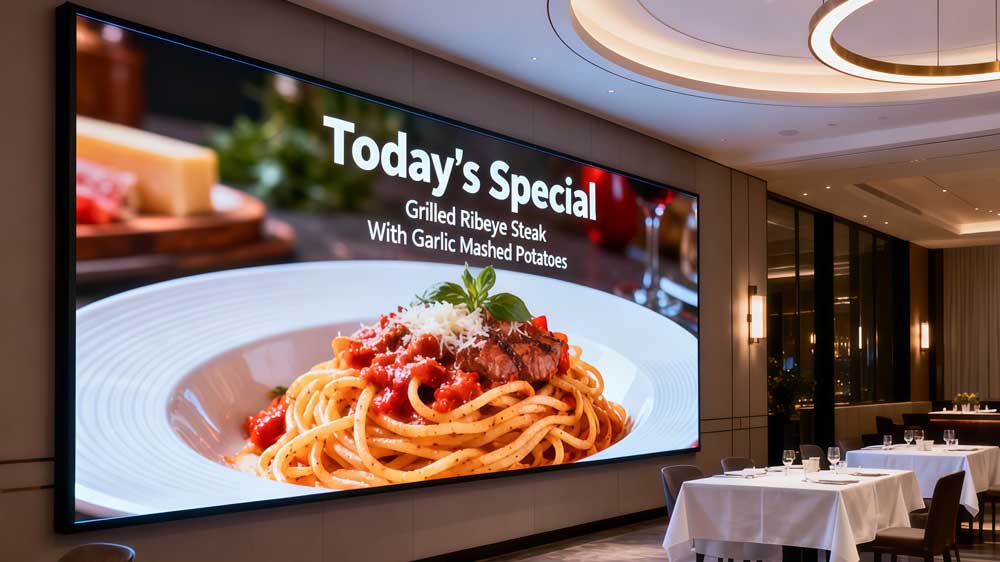
Display menus, daily specials, and promotional offers with vibrant visuals. Guide customers through your offerings and boost engagement.
3D LED Screen
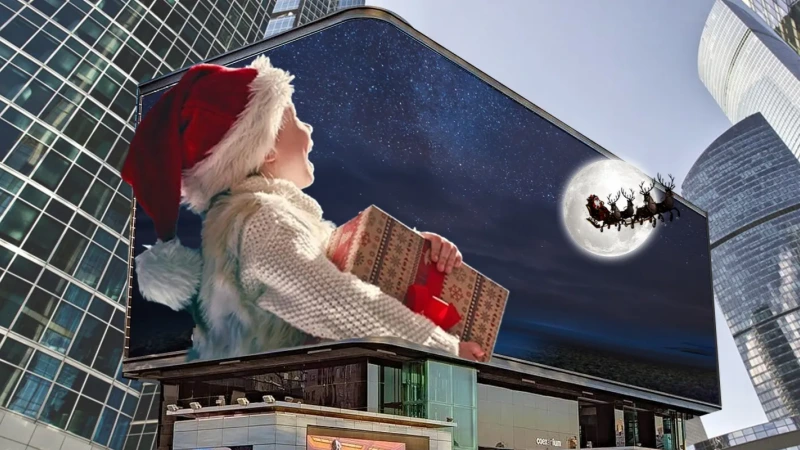
Eye-catching naked-eye 3D visuals that attract crowds and boost brand exposure in outdoor spaces.