At the heart of LED displays lies the crucial LED control system. Innovative Colorlight LED control system solutions that not only enhance the quality of LED display systems but also redefine how they are used.
1. About Colorlight Cloud Tech Ltd
Colorlight Cloud Tech Ltd is a leading company in the video display and control industry, specializing in LED display solutions, video processing, and cloud-connected systems. The company combines advanced video technology with reliable hardware to offer high-quality products for managing video content in various applications.
Colorlight offers three main product categories: LED display control systems, video processors, and cloud players. These solutions handle video signal processing, content management, and transmission, making them adaptable for different needs.
Their products are used in diverse sectors such as large events, sports, conferences, exhibitions, broadcast studios, digital signage, smart cities, and virtual production. Colorlight’s ability to customize its solutions for different projects has made it a trusted brand worldwide.
A new patent for LED display calibration technology:
This patented technology centers around the rapid updating of calibration coefficients for LED displays. LED displays are popular for their brightness, vibrant colors, and energy efficiency. However, factors like lighting, viewing angles, and aging can affect color accuracy. This new technology uses advanced algorithms to quickly update the calibration of LED displays, for consistent and accurate colors.
Unlike traditional methods, which are time-consuming, this innovation provides a faster, more efficient solution. By utilizing deep learning and intelligent algorithms, Colorlight makes it easier for users to maintain high-quality displays in different conditions.
2. Colorlight LED Processor
Colorlight offers a range of video processer designed for high-end visual applications, including integrated control functions such as optical correction, color management, image stitching, matrix switching, multi-screen processing, cross-platform control, and ultra-high-definition rendering. These processors provide features like high bit-depth, high dynamic range, high frame rates, wide color gamuts, and low latency, supporting various input and output interfaces to connect LED displays, LCD screens, projectors, and other display media.
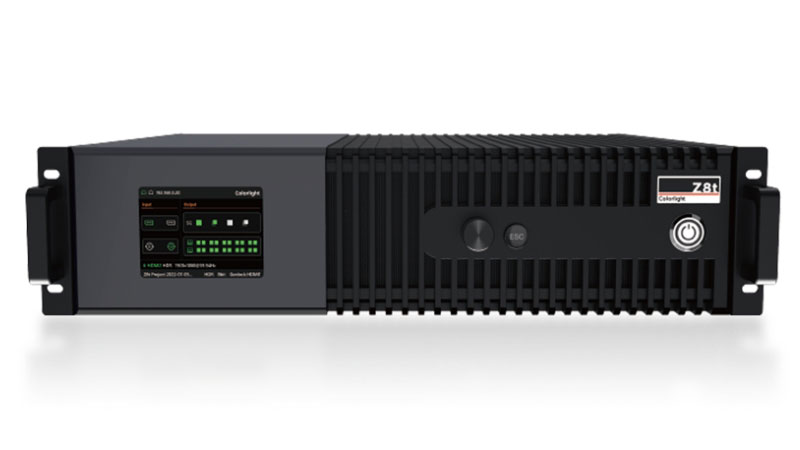
2.1 Colorlight Z8t
Designed specifically for high-end display requirements, the Z8t processor stands out with its 240Hz ultra-high frame rate and HDR technology, offering improved contrast and finer details. It also supports the ST2110 standard for efficient transmission in broadcast video, making it ideal for live event applications. Its low-latency performance captured the attention of professional audiences during live demonstrations.
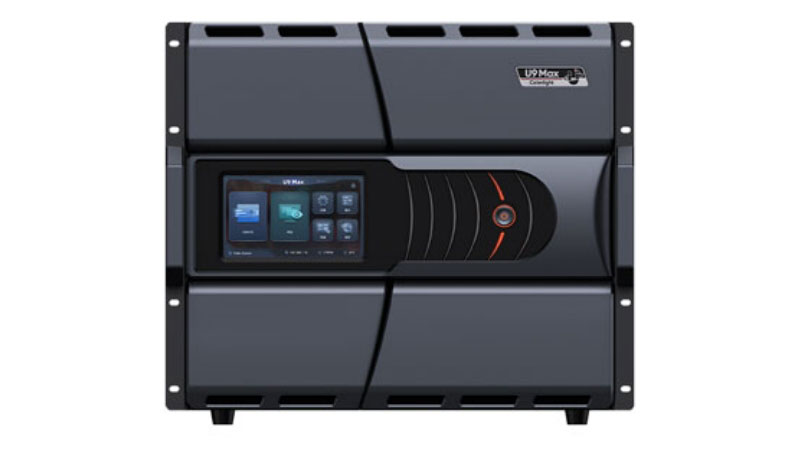
2.2 Colorlight U9 Max
The U9 Max is a flagship video wall processor known for its remarkable bandwidth capabilities. It supports up to 2.6 billion pixels and can display screens with resolutions up to 32768 pixels. This processor is capable of handling up to 31 4K ultra-high-definition screens, with a maximum output of 100 1G network ports, making it perfect for large-scale creative visual applications that require robust video stream support.
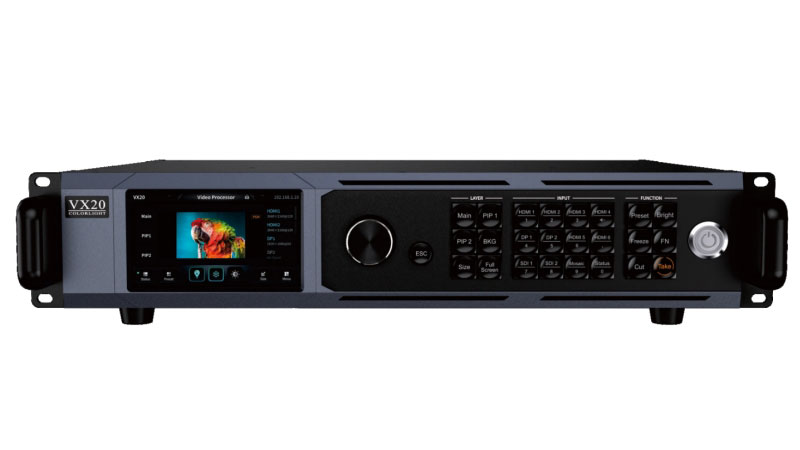
2.3 Colorlight VX20
As part of the VX series, the VX20 is a powerful 4K video processor designed for high-end rental and small-pitch projects. It combines excellent video signal processing performance with impressive load-bearing capabilities. Its features include a variety of signal interfaces, extreme visual effects, dual-screen switching, and full pre-monitoring functionality. The VX20 supports multiple work modes such as video processing, fiber transmission, and bypass, making it adaptable to different operational needs. The processor also features an intuitive web control interface for easy, visual operation.
2.4 Colorlight X100 Pro
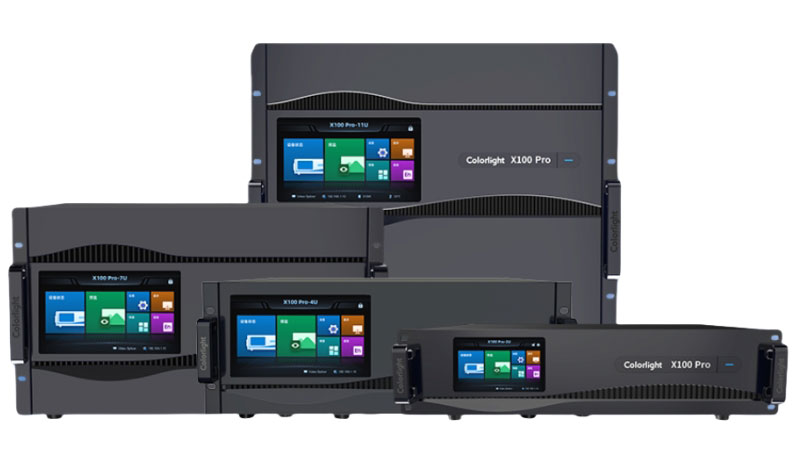
The X100 Pro is an 8K+ ultra-high-definition video processor designed for large video walls. This series offers exceptional integration, large input capacity, and flexible output configurations, significantly enhancing data load capacity. It delivers high-resolution, high-color-depth video playback, making it the ideal solution for 8K ultra-HD displays. The X100 Pro series is known for its flexibility, adaptive high-frame-rate algorithms, and ability to handle ultra-high-resolution, small-pitch LED displays, making it a perfect choice for large-scale visual installations.
3. Colorlight LED Control System
3.1 Colorlight LED Controller
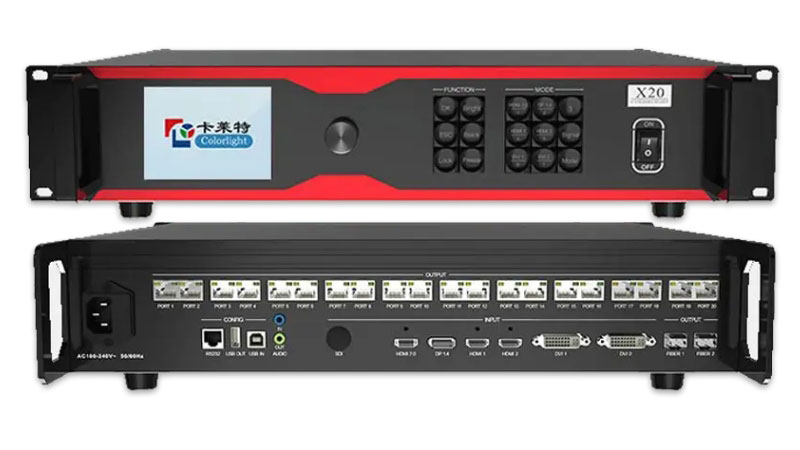
Colorlight X20: The X20 is a high-performance LED controller supporting 4K and 2K video inputs, with a capacity of up to 13 million pixels. It offers both network and optical outputs, catering to various customer needs.
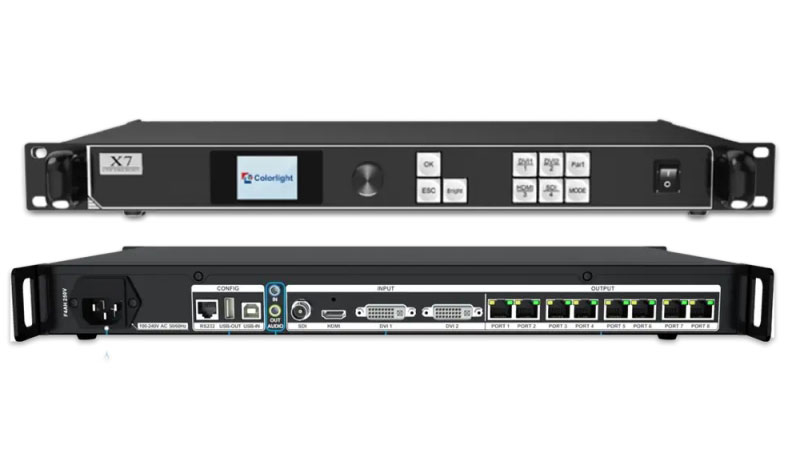
Colorlight X7: The X7 is designed for large-scale LED display projects. It supports multiple video inputs (DV, HDMI, SDI) and seamless switching. It can handle displays with up to 8192 pixels wide or 4096 pixels high, providing flexible control and high-quality image output for demanding applications.
3.2 LED Sender
Colorlight S20F: The S20F supports seamless switching between DP1.2 and HDMI2.0 inputs and can handle 4K video signals up to 4096×2160 at 60Hz. It features four optical outputs and supports single or dual-machine redundancy.
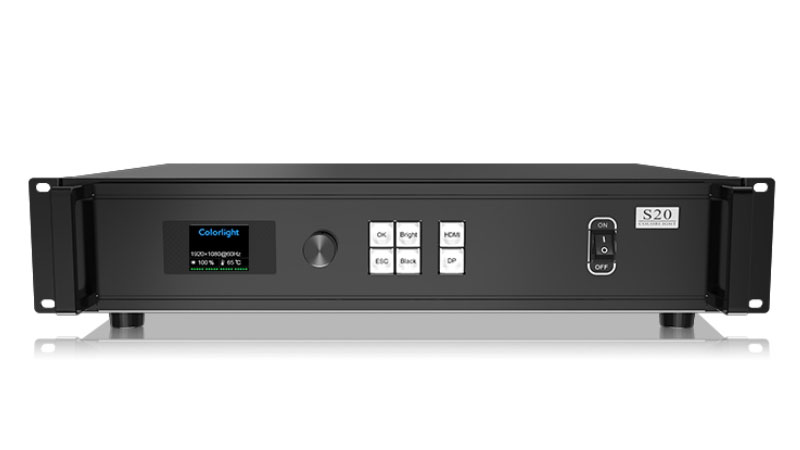
Colorlight S20: The S20 is designed for ultra-large displays, supporting 4K video inputs and up to 8.85 million pixels. It offers up to 20 network outputs and supports redundancy for stable, high-quality performance.
3.3 LED Receiving Card
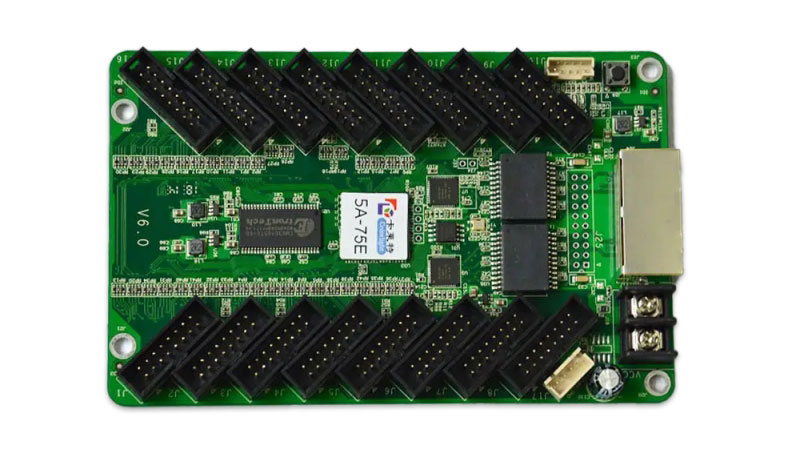
Colorlight 5A-75E: The 5A-75E is a cost-effective receiving card supporting up to 256×1024 pixels and up to 32 parallel or serial data groups. It integrates the HUB75 adapter board, providing reliable, high-quality display performance at an affordable price.
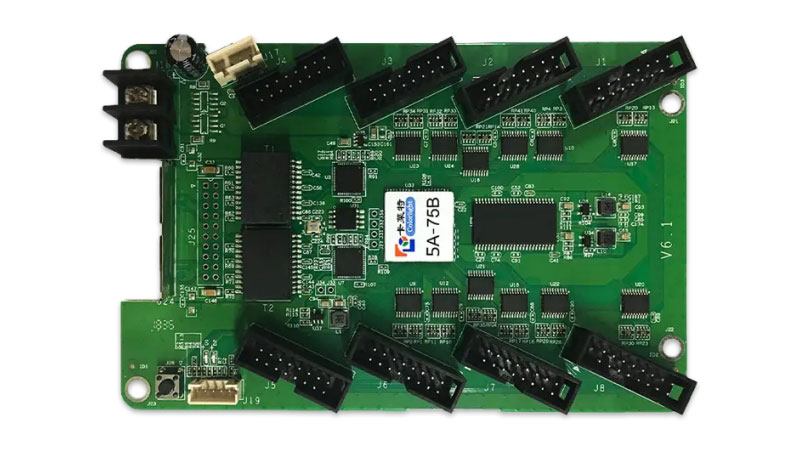
Colorlight 5A-75B: Similar to the 5A-75E, the 5A-75B card supports up to 192×1024 pixels, with up to 16 parallel or 32 serial data groups. It also integrates the HUB75 adapter board, offering reliable performance and ease of use.
4. Colorlight LED Software Download
Colorlight offers a wide range of software solutions for managing and optimizing LED displays.
4.1 Colorlight LED Vision
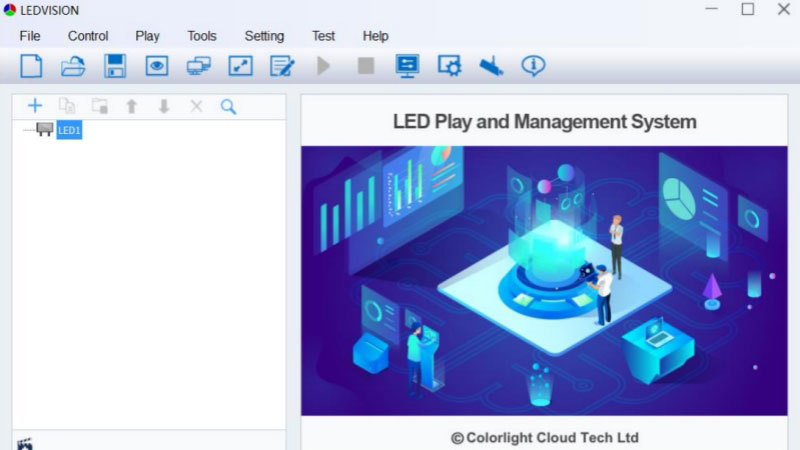
LEDVISION is a versatile software that allows users to control and edit LED screen parameters. It supports most LED display models and offers a range of features for content management, including compatibility with calibration data from other devices. The software can handle various media types such as video, audio, images, text, Flash, and GIF.
4.2 LED Upgrade Colorlight
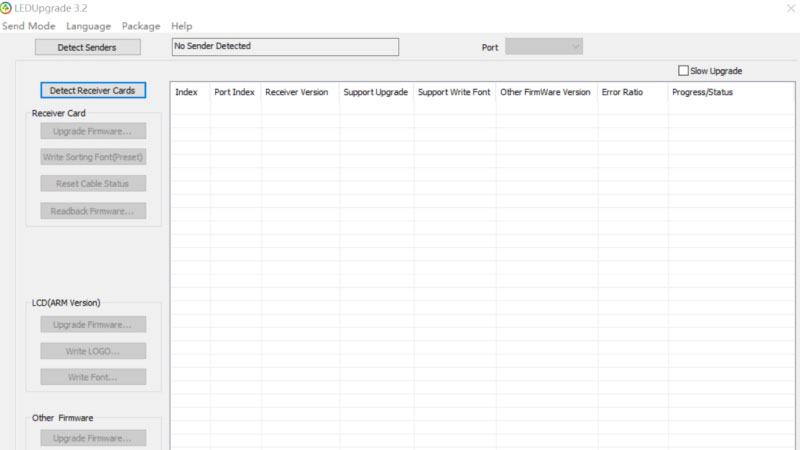
LEDUpgrade is designed to upgrade hardware programs. It supports the upgrading of components like senders, receivers, playback boxes, and smart modules, guaranteeing users can keep their systems up to date.
More Colorlight resources, please visit our Colorlight Software Download page, or contact LedInCloud directly.
5. Conclusion
Colorlight LED lead the way in transforming how LED displays are experienced. With their integrated solutions and dedication to meeting the needs of modern industries, Colorlight is elevating the impact and effectiveness of every LED display. LedInCloud- LED Screen Cloud Platform provides all resources for your LED projects.